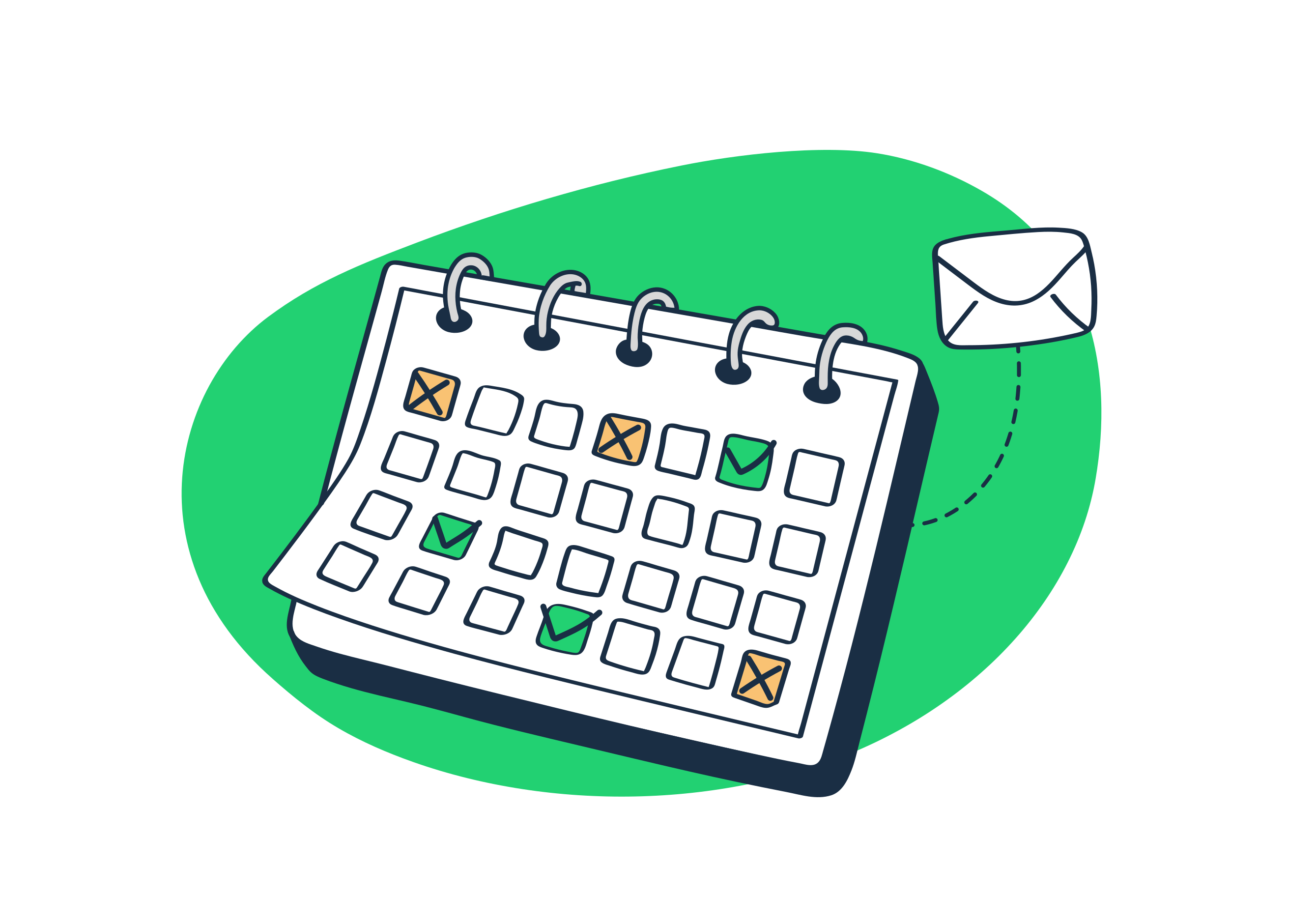




Campaign Scheduling

Schedule your marketing campaigns up to two weeks in advance and ensure your emails reach your audience at the perfect moment!

  • GDPR
  • ISO 27001

Use Campaign Scheduling to

  • Automate your marketing efforts

    Save both time and effort on the repetitive task of manually sending each campaign, by planning and scheduling them in advance.

  • Make each campaign matter

    Prevent overlapping, message fatigue, and confusion by scheduling different marketing campaigns to reach your audience at separate times.

  • Maximize the impact of your campaigns

    By sending out your emails to your recipients when they are most likely to engage, you ensure overall better campaign performance and improve open rates.

  • Align your campaign with various events

    Align your campaigns with holidays, product launches, and similar events. This makes your messages more relevant and significantly increases engagement from your audience.

Create and send your first email campaign

  1. Create a Mailtrap account

    Create an account, go to the sending domains tab, add your domain, and go through the verification process.
  2. Create and send your campaign

    Use template builder to design from scratch, or adjust email templates. Check spam and HTML, schedule, or send at once.
  3. Analyze, optimize, and send again

    Analyze deliverability dashboard for key campaign performance metrics, each mailbox provider stats, implement changes, send again.

Get more out of Mailtrap Email Marketing

  • Spam Checker

    Confirm your SpamAssassin score is minimized. Make sure your IP is not blacklisted, and your email content is spam-free.

    Learn More
  • Email Templates

    Use pre-made email templates from scratch or add your own creative touch, and save time and effort on crafting your campaigns.

    Learn More
  • Email Template Builder

    Use Mailtrap drag and drop email builder and create eye-catching responsive emails with AI to make your campaigns stand out.

    Learn More